
Help
How to get things done in the Portal
Step-by-step guides for the things people come here to do — plus fixes for the problems that trip people up. Jump to a task, or scan the common issues near the bottom.
New to Kanzi? Pick the path that matches your situation.
If you're evaluating Kanzi on your own, start here.
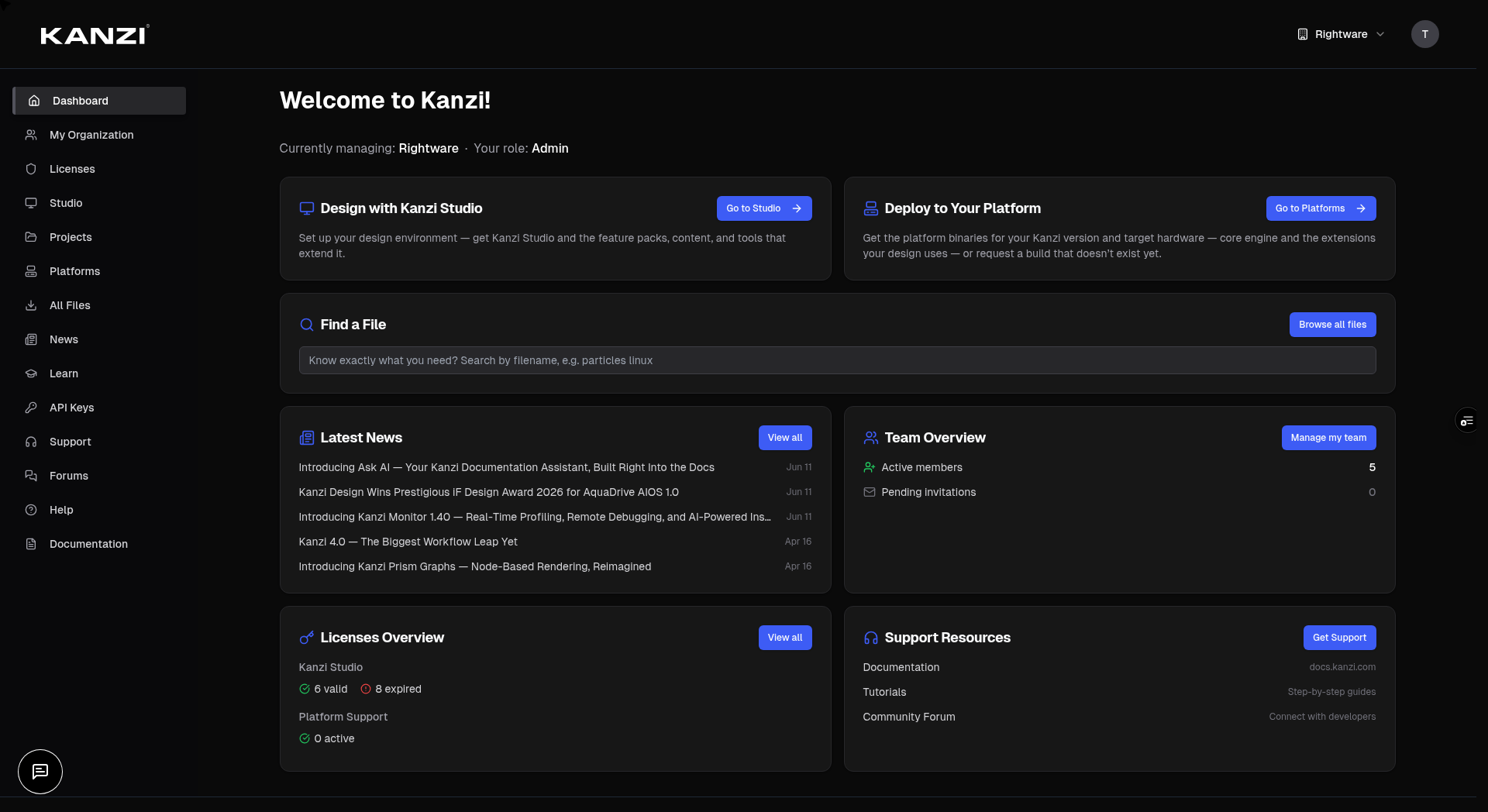
If you're the first person from your company on Kanzi, you'll create the organization and become its admin.
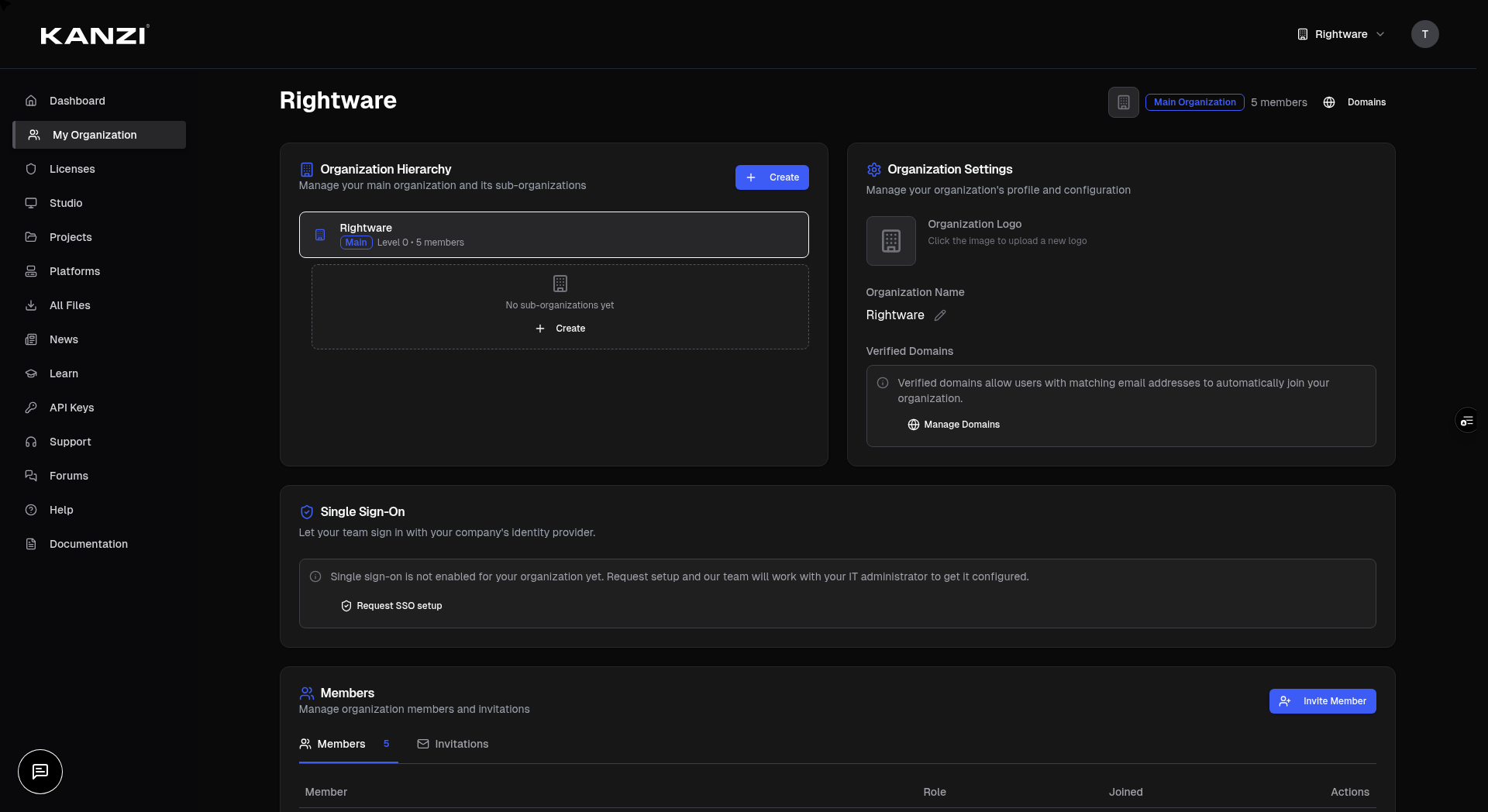
If a colleague sent you an invitation email, follow these steps.
The dashboard is your home base after signing in. Here's what each section does.
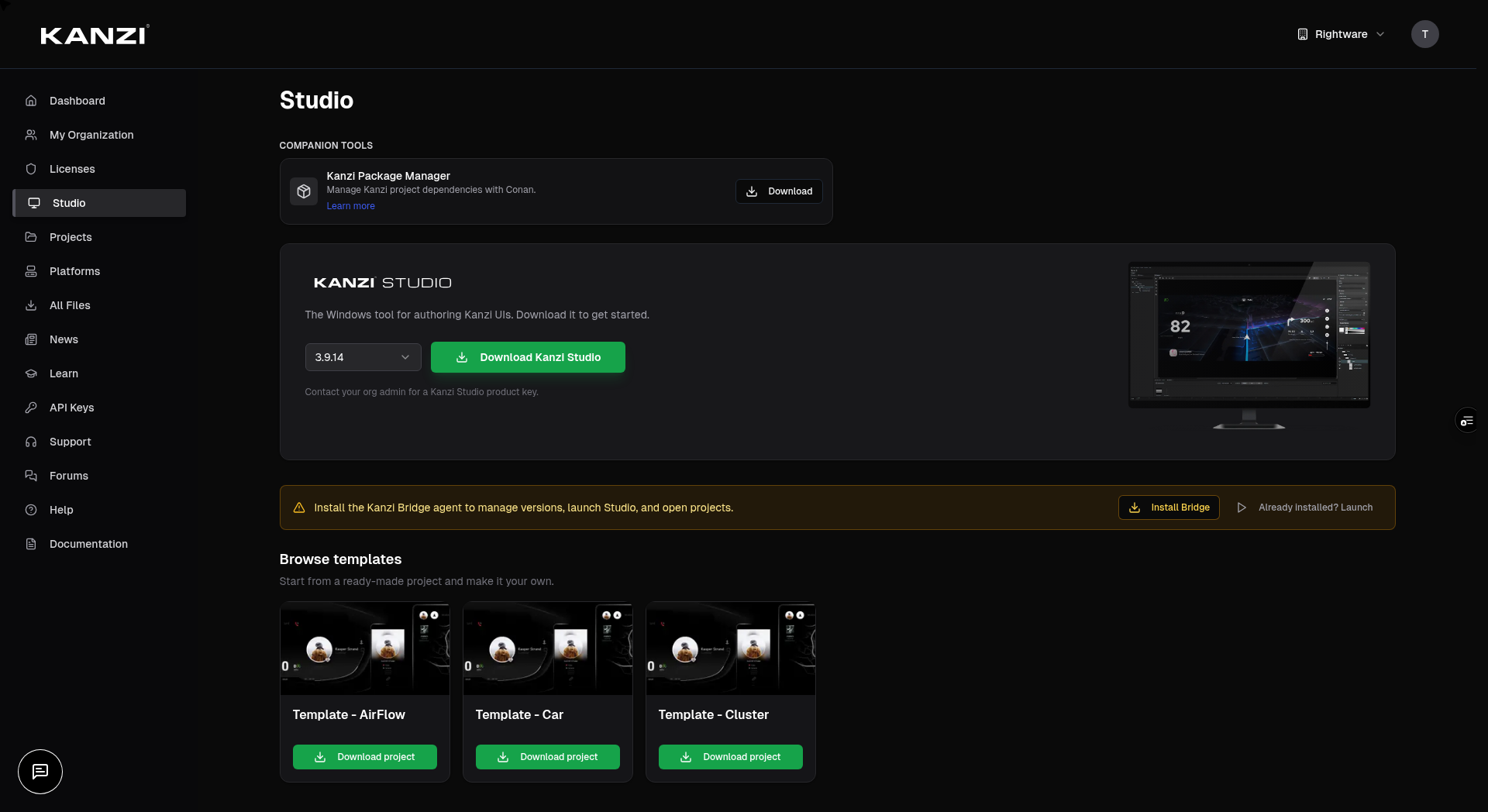
The Studio page is where you get, install, and launch Kanzi Studio. These actions run through the Kanzi Bridge — a small app on your own machine that the Portal talks to.
The Studio and Projects pages need the Kanzi Bridge running on your computer.
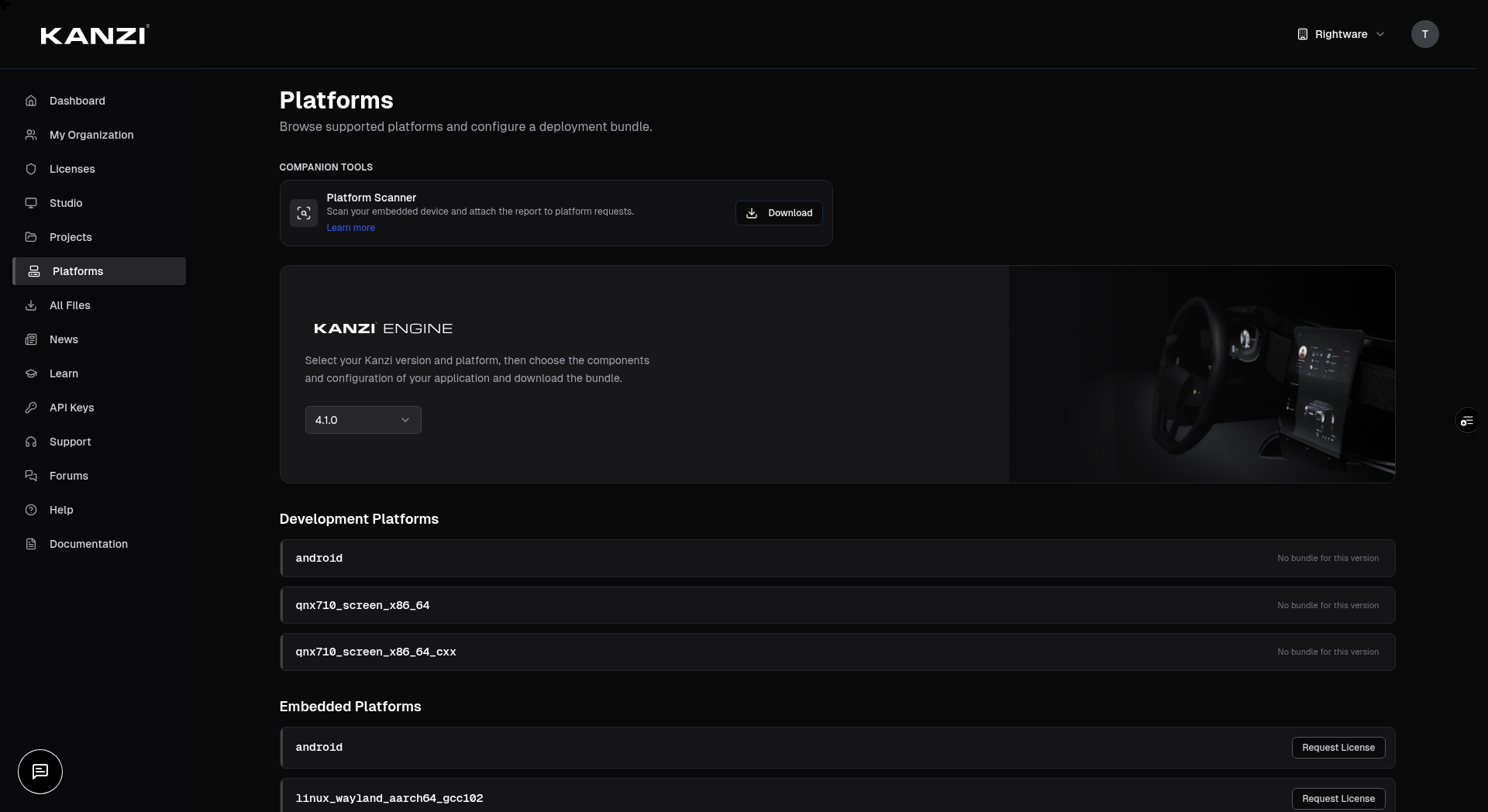
The Platforms page is where you download a Kanzi deployment package built for your hardware and OS — and request support for hardware that isn't covered yet.
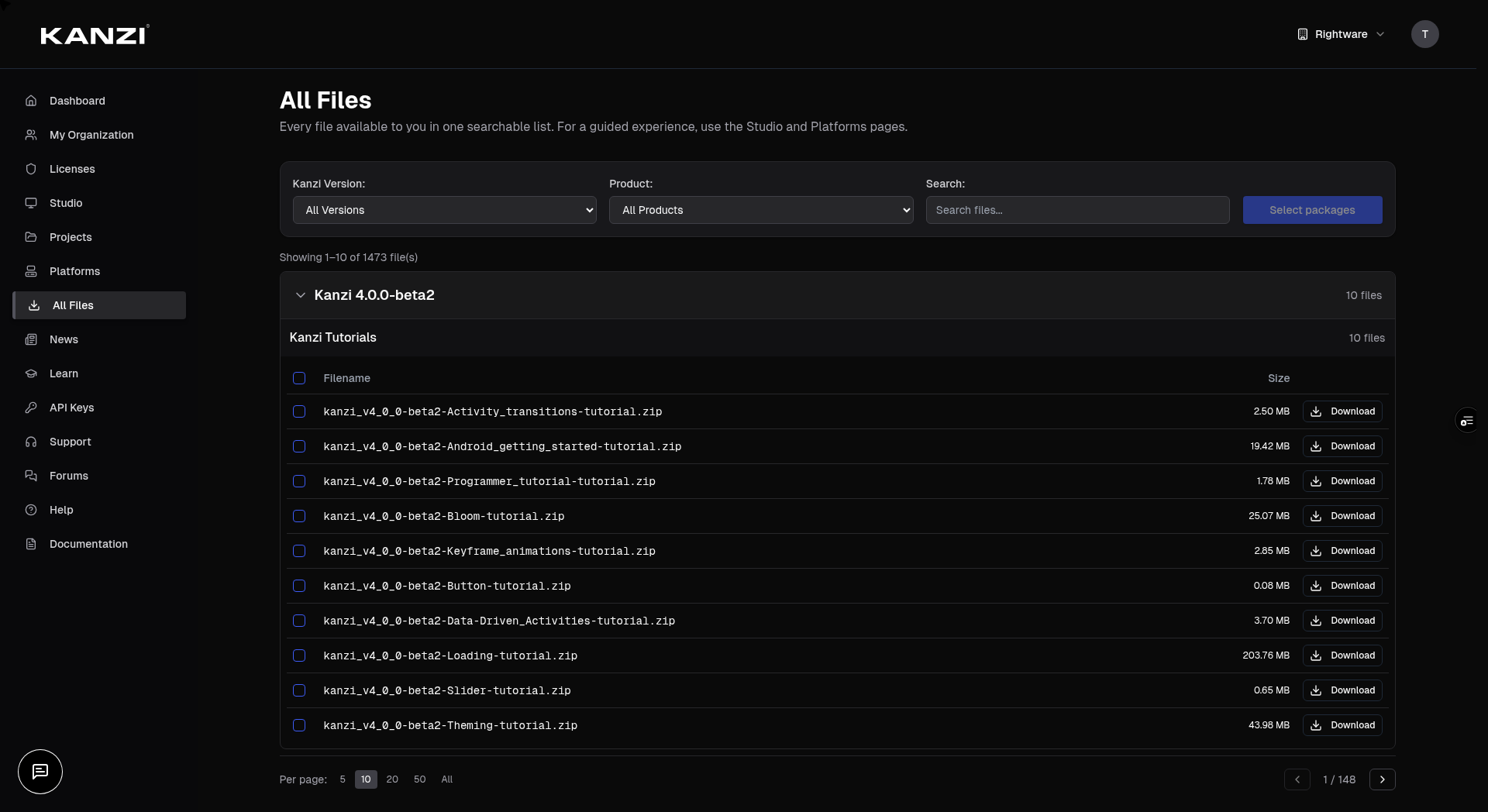
**All Files** is the full archive of everything your organization can download. Reach for it when you already know the file you want — a plugin, a document, or a specific build. To get Kanzi Studio use the **Studio** page above; for a deployment package use **Platforms** above.
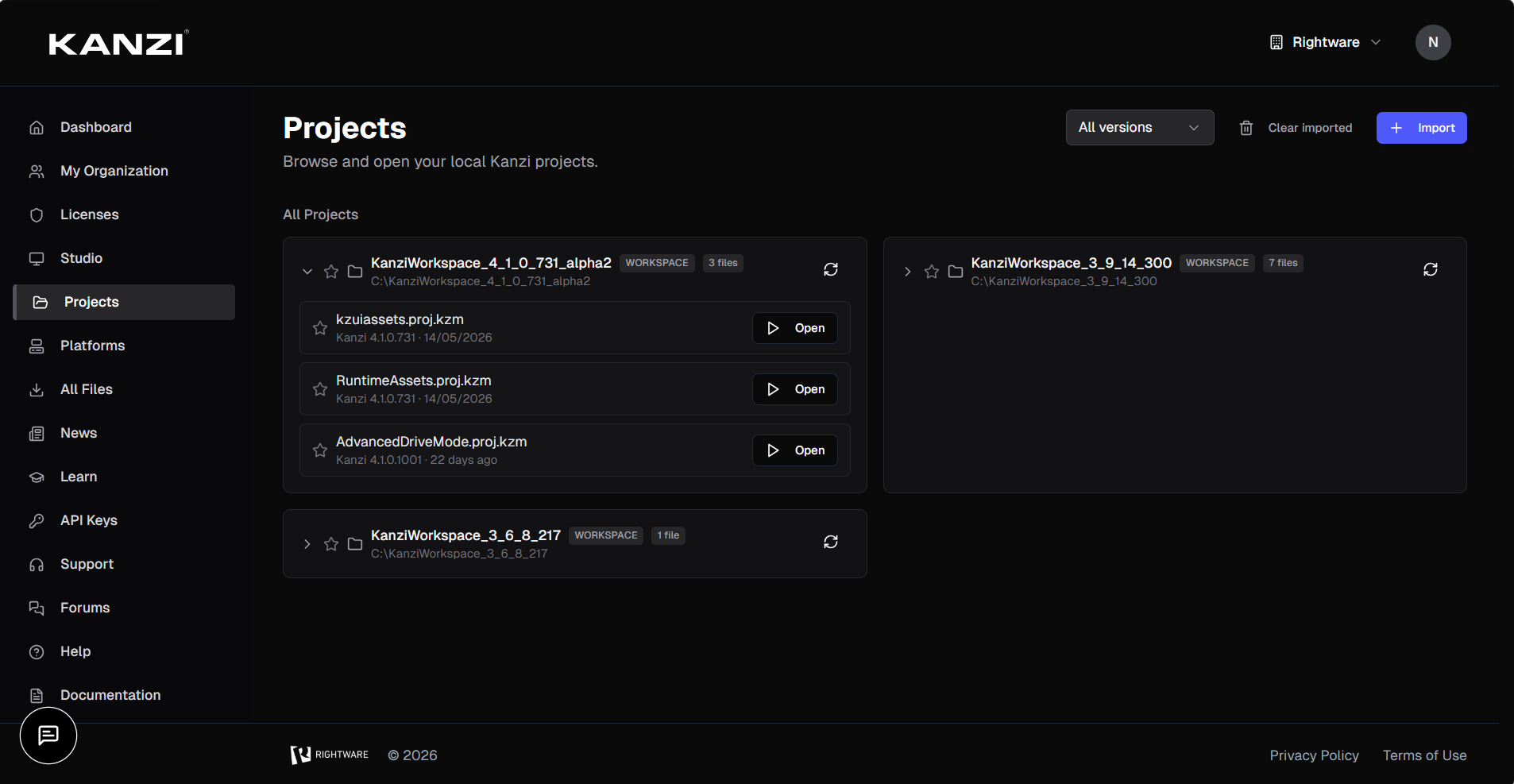
particles linux.Work with the Kanzi projects on your own machine. This page also needs the Kanzi Bridge running.
Projects auto-scans your local Kanzi workspaces — no manual import needed.
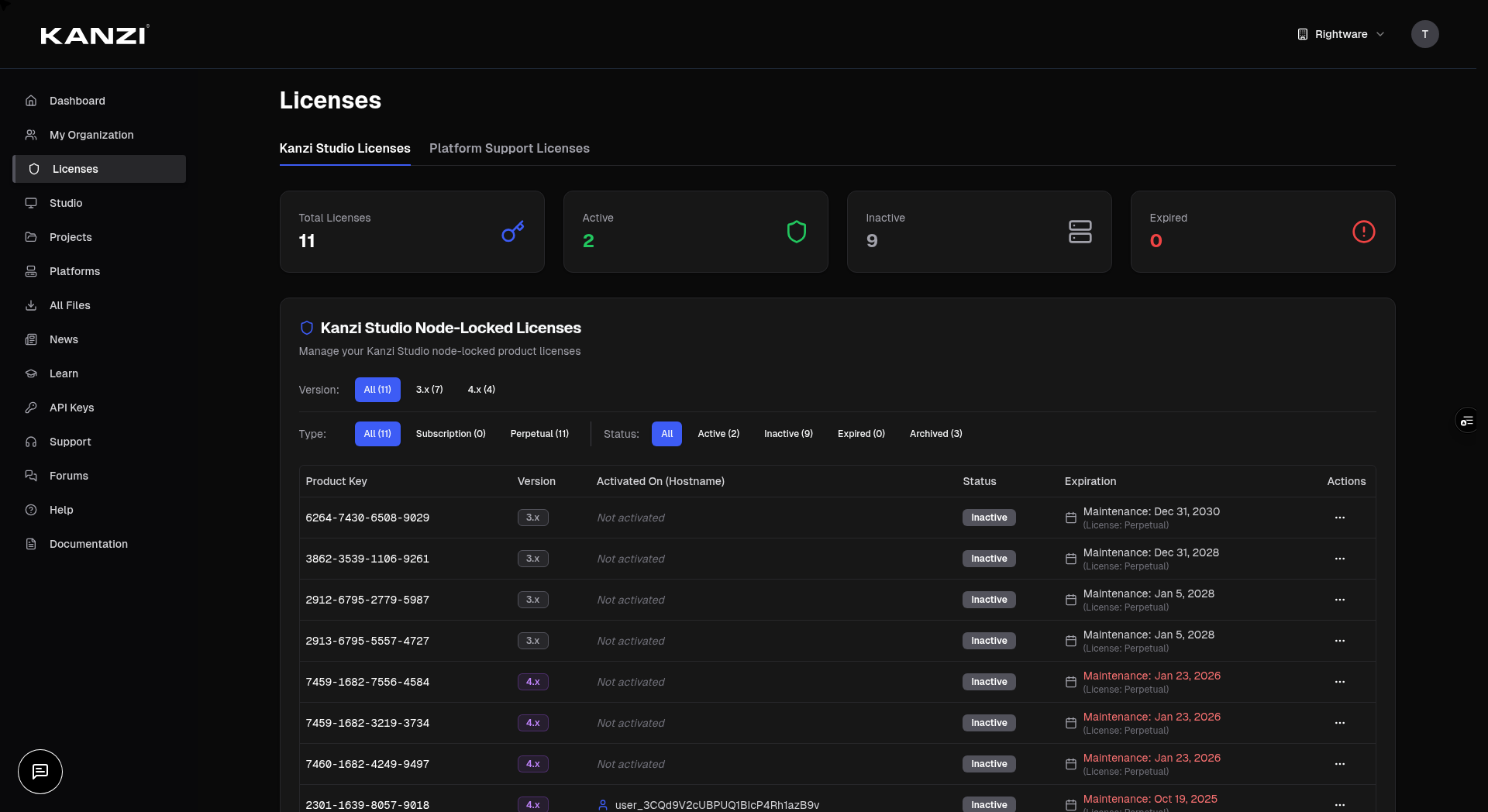
Organization admins manage licenses here. (Members don't see this page.)
Admins manage members, roles, and structure under **My Organization**.
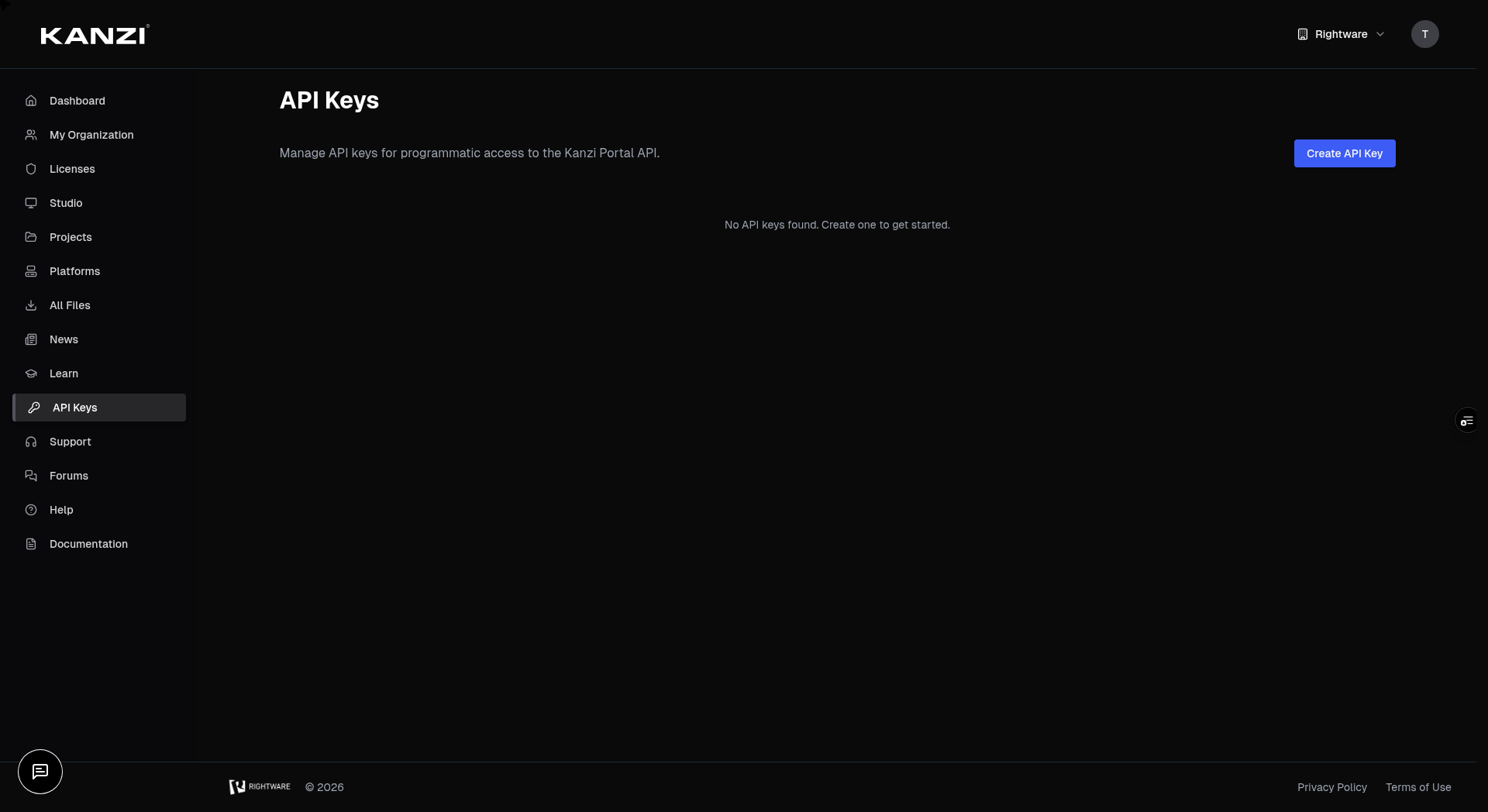
Organization admins can create API keys to access the Kanzi Portal API programmatically. Members don't see this page.
API keys let scripts and tools interact with the portal on your behalf — downloading files, querying licenses, or managing your organization.
ci-pipeline or license-sync).The Portal runs an MCP server, so an AI assistant like Claude or Cursor can work with your licenses, files, organization and support tickets directly. It connects as you, and can only do what you can do.
The Portal's MCP endpoint is https://portal.kanzi.com/api/mcp. Any client that supports remote MCP servers over HTTP can use it — there is nothing to install and no API key to create.
kanzi-portal — and the URL https://portal.kanzi.com/api/mcp.Reach Rightware support, or ask the community.
Manage your own account from **Settings**, in the top-right menu.
What you can do depends on your role in your organization. Whatever your role, you always manage your own account and can download files that are public to everyone.
| Role | What it can do |
|---|---|
| Member | View your organization's data and download the files it's entitled to. Sees Dashboard, Studio, Projects, Platforms, All Files, News, Learn, Support, and Forums. |
| Admin | Everything a member can do, plus Licenses, My Organization, and API Keys — managing members and roles, licenses and sharing, sub-organizations, and organization settings. |
Quick fixes for the things people ask about most.
| If… | Try this |
|---|---|
| You don't see Licenses, My Organization, or API Keys in the menu. | Those are admin-only. Ask an admin in your organization to make you an admin if you need them. |
| Your file list is empty. | You may not be in an organization yet, or none of its licenses match available files. Public files still show. Join or switch to the right organization, or ask your admin. |
| The Studio or Projects page says the Kanzi Bridge isn't running. | Click Launch Kanzi Bridge. If it still won't connect, use Need to install? to reinstall it, then try again. |
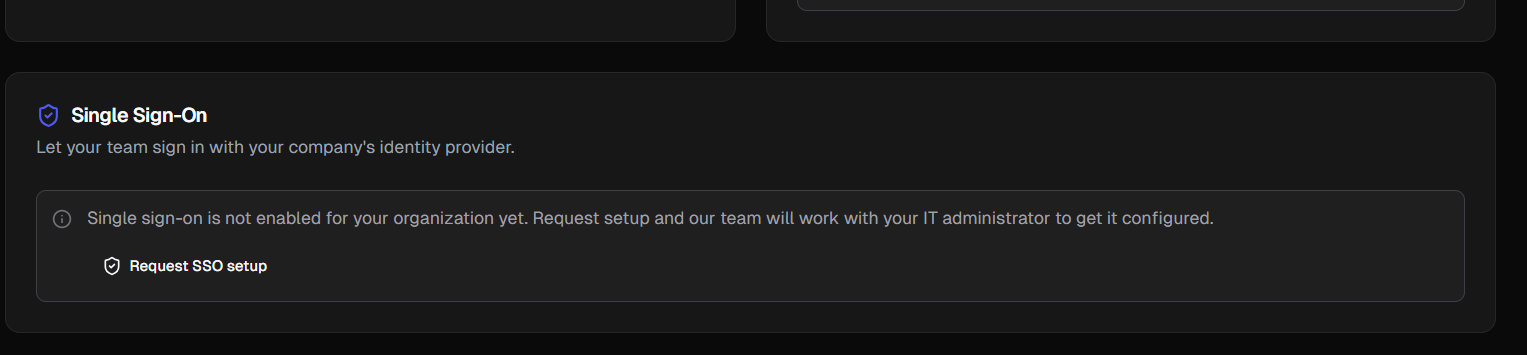
| A teammate can't sign in with single sign-on. | SSO has to be set up for your organization first. A main-organization admin can request it from My Organization → Single Sign-On. |
| Support or Forums say “Can't connect right now.” | This is usually temporary — click Retry in a moment. |
Can't find it here? These get you to a person.
Addons include feature packs, plugins, and additional content for specific Kanzi Studio versions.
When the configuration you need isn't available yet:
The Platform Scanner is a tiny tool you run on an embedded Linux device to capture its configuration — the exact information we need to assess Kanzi compatibility.
uname -m)../kanzi-scanner --json > scan.json.scan.json to a platform request or a support ticket.In a hurry? Use Find a File on your dashboard.
Release a license only if you've lost access to the machine it's activated on.
Verified domains let anyone with a matching email address join your organization automatically — no invitation needed. This is useful for large teams where sending individual invites isn't practical.
acme.com).@acme.com email will be added to your organization as Members automatically.Sub-organizations let you mirror your company structure — separate teams, divisions, or subsidiaries can each have their own members and shared licenses while staying under your main organization.
Pass the key as a Bearer token in the Authorization header.
Authorization: Bearer user_abc123... (or org_abc123... for org-scoped keys).https://portal.kanzi.com/api/v1/... — the full API reference is at portal.kanzi.com/api/v1/docs.user_ prefix) act as you and inherit your role.org_ prefix) act on behalf of the organization.claude mcp add --transport http kanzi-portal https://portal.kanzi.com/api/mcp, then run /mcp to finish signing in.https://portal.kanzi.cn/api/mcp instead.The tools mirror the Portal API, so an assistant sees exactly what you see when you're signed in — no more.
claude mcp remove kanzi-portal.| You can't assign or release a license. |
| License management is admin-only. Ask an admin in your organization. |
| I don't see the **API Keys** page | API keys are admin-only. Ask your organization admin to promote you, or ask them to create a key for you. |
| My API key stopped working | Check if the key was disabled or revoked by an admin. Create a new key if needed. |
| My AI assistant can't connect to the Portal | Check the URL is exactly `https://portal.kanzi.com/api/mcp` (`portal.kanzi.cn` on the China Portal) and that the client is set to a remote **HTTP** server. If no browser window opens for sign-in, allow pop-ups for the client and try again. |
| My assistant connects, but a tool says it isn't allowed | MCP tools follow your role. Licenses, members and API keys are admin-only — ask your organization admin, or have them run the action. |
| I signed up but I'm not in any organization | You may have chosen **Individual** during onboarding. Ask an admin to invite you, or if your company has a verified domain, sign up with your work email to join automatically. |